10 Best Virtual Cards For Parental Controls | How To Choose The Right One
The Optimal Virtual Card Solutions For Parental Financial Control
Introducing a child to money management in today's digital world can be a daunting task. While a stack of cash used to be the only option, today's kids are growing up in a world of online shopping, gaming subscriptions, and mobile payments.
Giving them a physical debit card comes with its own set of worries; the card could be lost, or an unsupervised moment could lead to an impulsive purchase. This is where the best virtual cards for parental controls become an indispensable tool.
A virtual card offers a safe, digital-first way for your child to learn about money while giving you the peace of mind you need. But as you’ll quickly discover, not all of these cards are created equal.
Key Takeaways
- Virtual cards let kids spend safely under supervision.Parents use an app to instantly lock/unlock the card, set daily/weekly spending limits, and block certain merchants. Any purchase sends a notification, so overspending is caught immediately.
- Teaching and rewards.Many kid-friendly cards link spending to chores or savings goals, reinforcing good habits. For example, Jassby and BusyKid let kids earn rewards or bonuses for completing tasks.
- Privacy and security.Prepaid virtual cards prevent kids from going into debt. Some services (e.g., Mazoola) even focus on children’s online privacy and limit data collection. Most platforms let parents freeze a lost card or create one-time virtual numbers for specific purchases.
- Cost and features matter.Some apps charge monthly fees (Greenlight, Acorns Early), while others are free with no hidden fees (Crew, Current, Till). Consider what each plan offers: number of cards, joint accounts, or premium perks.
- Wide acceptance.Good kids’ cards are tied to Visa/Mastercard networks, so kids can shop anywhere those are accepted (both in-store and online).
What Are Virtual Cards, And How Do Parents Use Them
A virtual card is a digital payment card that exists only in an app or online – there’s no physical plastic (though some companies also offer optional plastic cards). Think of it as a secure account number you use via smartphone or tablet. Parents open a family banking app, link it to their bank, and then issue a virtual debit card to their child’s profile.
Once set up, the child can use it like any debit card – for contactless payments on their phone, online shopping, or even adding it to Apple/Google Pay. The big advantage for parents is control. Through the parent app, they can limit spending and categories. For example, one can allow a certain amount per week, or completely block transactions at video game stores or fast food restaurants.
If you notice suspicious activity, you simply freeze the card with a tap. This flexibility is why experts call virtual cards an “essential tool for managing children’s expenses.” They reduce the risk of lost cash and teach financial skills in a safe sandbox, since kids can only spend money you preload onto the card.
Key Features To Look For In Kids’ Virtual Cards

Choosing the best virtual card for parental control means weighing several features:
- Parental Controls: Can you lock/unlock the card instantly? Apps like Modak and Till let parents freeze a child’s card at will. Look for flexible limits (daily, weekly, or monthly caps) and the ability to block merchant categories (shopping sites, restaurants, etc.).
- Real-Time Monitoring: Top apps send instant notifications on every transaction. This way, you and your child can review each purchase together. Studies find that visibility “ensures that funds are used appropriately and helps instill good financial habits.”
- Chore and Allowance Integration: Many kids’ cards let you connect chores to paychecks. For example, children check off tasks, and the parent app automatically releases allowance on schedule. This reinforces responsibility beyond the card itself.
- Educational Tools: Some platforms include learning games, savings goals, and even simple investment options for teens. For instance, Greenlight and BusyKid encourage saving by offering a small parent-paid interest on balances.
- Fee Structure: Decide if you want a free card or are okay paying a monthly fee for extra perks. Free options like Crew and Till boast no subscription or minimums. Paid services (Greenlight, GoHenry/Acorns) often bundle more features but cost $3–$10 per child per month. Always compare hidden fees like ATM or reload fees.
- Age Limits: Some cards work for kids as young as 6, others require preteens. Greenlight and Jassby have no minimum age, while Copper, Current, and Capital One Money gear toward older kids (13+). Check each program’s minimum age.
- Security & Privacy: Since we’re dealing with kids, privacy is crucial. Platforms like Mazoola are COPPA-certified, meaning they follow strict rules on children’s data. Also, ensure the card allows parental verification for any new payees or changes.
- Physical vs Virtual: Decide if you want a physical card too. A virtual-only card (no plastic) means zero risk of losing it, but a physical card might help teach real-world spending (with parental locks kept in place). Some services (e.g., Privacy.com, Mazoola) only offer virtual cards, whereas others (Greenlight, GoHenry, Till) include both.
Most kids’ virtual cards are managed entirely through smartphone apps (as shown above). Parents fund the child’s account and then use the app to adjust limits, lock the card, or get spend alerts. Modern apps often let kids add the card to mobile wallets (Apple/Google Pay) for contactless checkout.
Top Virtual Cards For Parental Controls
Below are the leading virtual card solutions, each excelling in different ways. They all offer strong parental controls, but differ in fees, education tools, and focus.
Greenlight (Best Overall For Parental Controls)
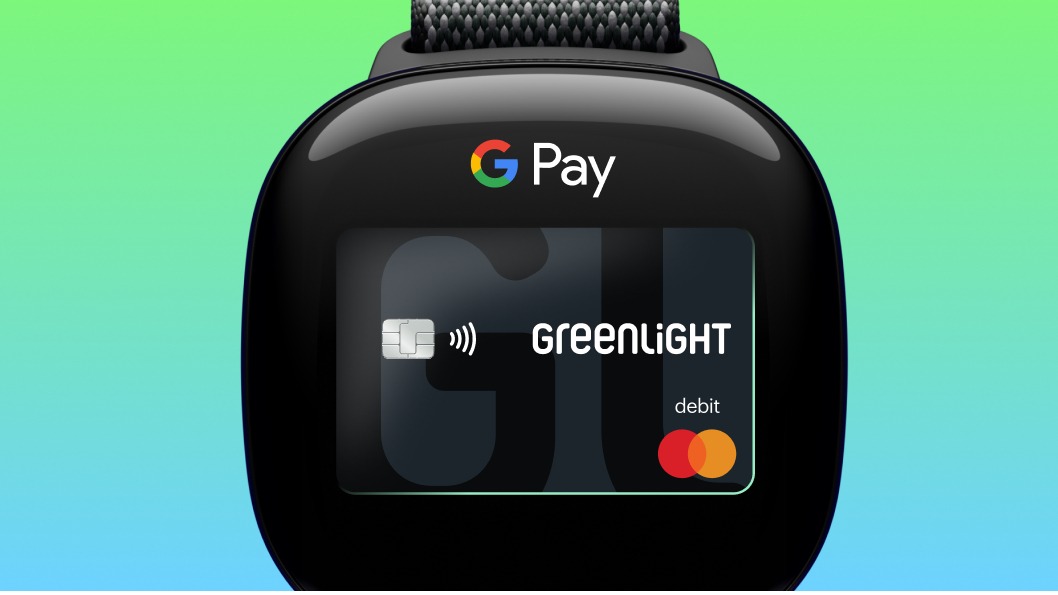
Greenlight is a long-time favorite that packs the most robust controls. Parents receive instant spending notifications and can adjust limits or pause the card anytime via the app. You can even block specific stores (no video game purchases after bedtime, for example).
Greenlight includes built-in saving goals, interest rewards (parents pay interest on kids’ savings), and even an investment module for older kids. Plans cost $4.99–$9.98 per month (free trial often available) for up to 5 children, making it a solid pick for families committed to financial education.
Mazoola (Best For Privacy And Free Trial)

What is Mazoola? (Short)
Mazoola is unique for its strict focus on privacy. It’s the only COPPA-certified kids’ card, meaning it won’t ask for your child’s Social Security number or unnecessary personal info. The parent app still offers daily/weekly/monthly spending limits, chores payouts, and the ability to add additional parent users.
Notably, Mazoola offers a 12-month free trial - longer than most competitors - and only charges a $4.95 monthly fee afterward. Funds must be transferred from your bank (no cash reload or ATM), and there’s an optional fee for a physical card. But for families worried about data privacy, Mazoola lets parents fully control a virtual Mastercard while keeping kids’ data locked down.
Jassby (Best For Rewards & Fun Learning)

Jassby Debit Card Review 2022 | Best No-Fee Debit Cards for Kids & Teens?
Jassby combines parent controls with gamification. It issues a Mastercard with no monthly fee, and parents digitally load money for kids. The standout is its Financial Literacy Score: children earn points (redeemable for gift cards) by doing chores, saving, or meeting goals. Parents set spending limits and get alerts, and there’s a Jassby store for reward items. There is no ATM access (card is virtual/unloading only), but for driving engagement, Jassby’s rewards make money managementmore fun. It’s a great pick if your child responds well to incentives.
Crew (Best Free Card With High Savings Interest)
Crew is a free family banking app that offers each child a real Mastercard debit card (with both physical and virtual options). It has zero monthly fees or minimums. Parents and kids can both log in: kids see their balances, savings goals, and spending history, and parents keep full oversight.
Notably, Crew even offers 4.2% APY on kids’ savings accounts, far above typical rates, so your child’s saved dollars grow. Parental features include setting hard spending limits and getting instant notifications on each purchase. It’s especially strong on education, since kids learn budgeting in a bank-like app, and parents get a free, secure solution.
Till Financial (Best No-Fee Option For Basic Control)

Till Financial Review - BEST Kids Debit Card?!?
Till is a straightforward free debit card for kids and teens. The app is rich with money-management tools but never charges a fee. Parents can set up automatic allowances, track spending, and instantly lock the card if needed. Till also supports chores and savings goals. For spending, kids get a Visa debit (physical or digital) that they can use anywhere Visa is accepted. Its key appeal is simplicity: no monthly cost, yet it still provides the essentials - spending alerts, balance viewing, and card controls. If you want a free solution without extra frills, Till is a top contender.
Step (Best For Building Credit And Teens)
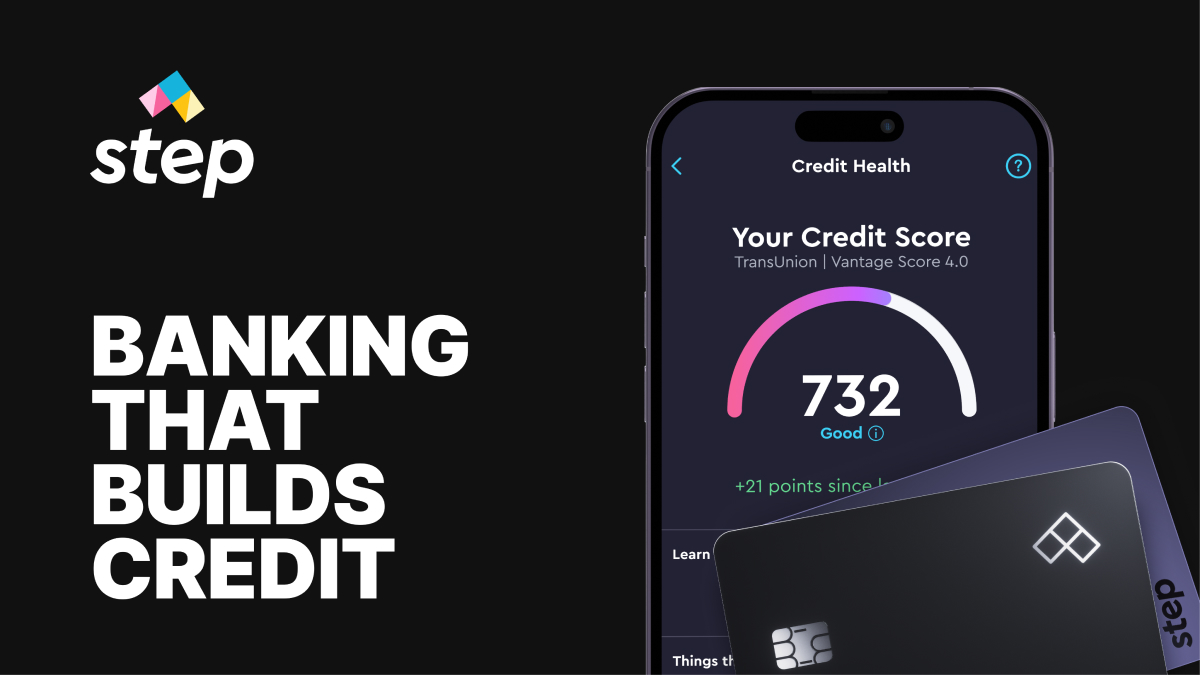
Step isn’t a debit card in the strict sense; it’s a secured Visa card aimed at teens. Parents fund the account, so teens can’t overspend. Step shines by helping teens build credit: it reports card activity (with parental approval) to credit bureaus once the teen turns 18.
For parental control, Step offers a parent-managed account option: parents can oversee the account on the app, turning the card on/off and tracking spending. The free plan comes with both a virtual and physical card (which works at 55,000+ fee-free ATMs). It’s the choice for families who want a debit-like experience plus credit-building, but be aware: Step is more for older kids (13+) since credit is involved.
Other Notable Options
- GoHenry / Acorns Early: Similar feature sets to Greenlight. GoHenry (now Acorns Early) offers strong parental controls, chore management, and financial education. It costs about $5/month per child with a one-month free trial.
- BusyKid: A chores-and-rewards app with a prepaid Visa card. For $1.67/month per child, parents can match savings and stocks, and kids can invest a portion of their balance. BusyKid includes spending controls and allowance automation.
- Current for Teens: Free teen banking app (with parent oversight). It allows allowance transfer, spending notifications, and parental blocking of merchants. The parent and teen share accounts, and Current is notable for having no monthly fees. (No physical card for parent-managed account, only virtual.)
- Capital One MONEY Teen Checking: A free account for teens 8+. Both parent and child have logins, so kids bank digitally under parental view. There are no fees and 0.10% APY. It’s more of a straight teen checking account (no chores or gamification) but uses a debit Mastercard with parental oversight features.
No matter which card you choose, emphasis on control and teaching is key. All these options ensure kids can only spend what you preload, preventing debt. And each platform’s app makes monitoring easy – parents “immediately see spending reports” and can even require parental approval for large transactions. By picking the right virtual card or app, you empower your child to gain financial skills in a safe, controlled environment.
Related: Top Virtual Card Providers
Beyond The Basics: Understanding The "Why" Behind The Controls
The true value of a virtual card for parental controls isn't just in the features themselves, but in how you use them to educate your child.
Parental Controls As A Teaching Tool, Not A Punishment
Think of parental controls as a set of training wheels. Instead of simply blocking a purchase, use the real-time notification as a prompt for conversation.
- Scenario:Your child tries to make an online purchase that is declined because it exceeds their daily limit.
- Your Action:Instead of just saying "no," you can ask, "What was that purchase for? Did you budget for it? Let's look at your savings goals together." This reframes the control from a restrictive force to a helpful guide. The key is to leverage the technology to facilitate open communication about money.
The Nuance Of "Virtual" Cards: Temporary Vs. Permanent
Most providers, including the ones listed above, offer a "virtual card" that is a digital representation of the child's permanent debit card. While convenient for online use, it's not a true temporary virtual card.
- True Temporary Virtual Cards:These are single-use or short-lived card numbers that are not tied to a permanent account number. They are ideal for one-off online purchases or subscriptions you don't want to auto-renew.
- The Gap:Most family finance apps don't offer this true temporary virtual card functionality, which is a major security gap. For now, the best strategy is to keep the balance on the permanent virtual card low and only fund it when a purchase is imminent.
Security And Trust: The Mechanisms That Protect Your Family
Trustworthiness is paramount when it comes to financial products. Here's a deeper look at the security features you should prioritize:
- FDIC Insurance:Ensure the funds on the card are FDIC-insured through a partner bank. This protects the money in the event of a bank failure.
- Zero Liability Policy:Look for a provider that offers Visa or Mastercard's Zero Liability policy, which protects cardholders from fraudulent charges.
- Tokenization:While not always explicitly mentioned, many apps use tokenization to protect card data. This means that when a card is added to a digital wallet like Apple Pay, the actual card number is replaced with a unique, encrypted token, making it useless to fraudsters if intercepted.
FAQs About Best Virtual Cards For Parental Controls
How Do I Choose The Right Virtual Card For My Family?
The best virtual card depends on your family’s unique needs. For younger kids, a card with strong gamified learning (like Acorns Early) may be a great fit. For older teens, a card that helps them build credit (like Step) could be more appropriate. If you prefer a simple, integrated solution with your existing bank, a service like Chase First Banking might be perfect. Look at the specific parental controls, educational resources, and fee structures to find the best match for your situation.
Is A Virtual Card Safer Than A Physical One For My Child?
A virtual card offers a different type of security. Since it has no physical form, there's no risk of it being lost or stolen from a wallet. For online purchases, a virtual card provides an extra layer of protection as it’s not tied to a physical card that could be compromised. However, physical cards are still essential for in-store purchases and ATM withdrawals.
What Is The Typical Age Range For These Virtual Card Accounts?
Most virtual card and debit card accounts for kids and teens are designed for children aged 6 to 18. Some services, like Acorns Early, focus on the younger end of this spectrum, while others, like Step, are geared toward older teens to help them transition to adult finances.
Do These Cards Allow Cash Withdrawals From An ATM?
Typically, a child can only withdraw cash if they have a physical debit card associated with their account. Virtual cards, by their nature, are for digital transactions and cannot be used at an ATM. Some providers allow parents to set limits on ATM withdrawals for the physical card.
How Are Allowances And Chores Managed With These Apps?
Most apps come with built-in features for managing allowances and chores. Parents can set up a schedule for automatic allowance payments, or they can link payments to the completion of specific chores. The money is then instantly transferred to the child's virtual card, making it a seamless way to connect earning with spending.
What Are The Common Fees I Should Be Aware Of?
Many of these services have a monthly fee, ranging from a few dollars to a family plan fee. Some are free but may have limitations or require you to be a customer of their bank. Be sure to check for other potential fees, such as ATM withdrawal fees (if a physical card is included), foreign transaction fees, and card reload fees.
Can These Virtual Cards Be Used On Gaming Platforms Like Roblox Or Fortnite?
Yes, as long as the platforms accept standard Visa or Mastercard payments, a child's virtual card can be used for in-app purchases and subscriptions. One of the major benefits of these cards is the ability to set specific limits, so you can pre-load a small amount for a game purchase without risking larger, unauthorized spending.
What Happens If My Child's Virtual Card Information Is Stolen?
Because virtual cards are not directly linked to your personal bank account, the risk of a major financial breach is minimal. If the card details are compromised, you can instantly lock or cancel the virtual card within the app. Most providers are also covered by Visa or Mastercard's Zero Liability Policy, which protects you from unauthorized charges.
Conclusion
The best virtual card for parental controlsis more than just a payment method; it's a tool for financial empowerment. By leveraging a combination of smart features, transparent communication, and robust security, you can give your child the freedom to learn while maintaining the oversight you need.
If you choose a feature-rich app like Greenlight, a gamified experience like Acorns Early, or a simple integration with your existing bank, the goal is the same: to use technology to raise a generation of financially confident and responsible adults. The digital world is here to stay, and preparing our children for it starts with giving them the right tools.
You Might Like: Ways To Reduce Fraud In Online Transactions